Tuesday, December 4, 2018

Making graphics with Google Drawings

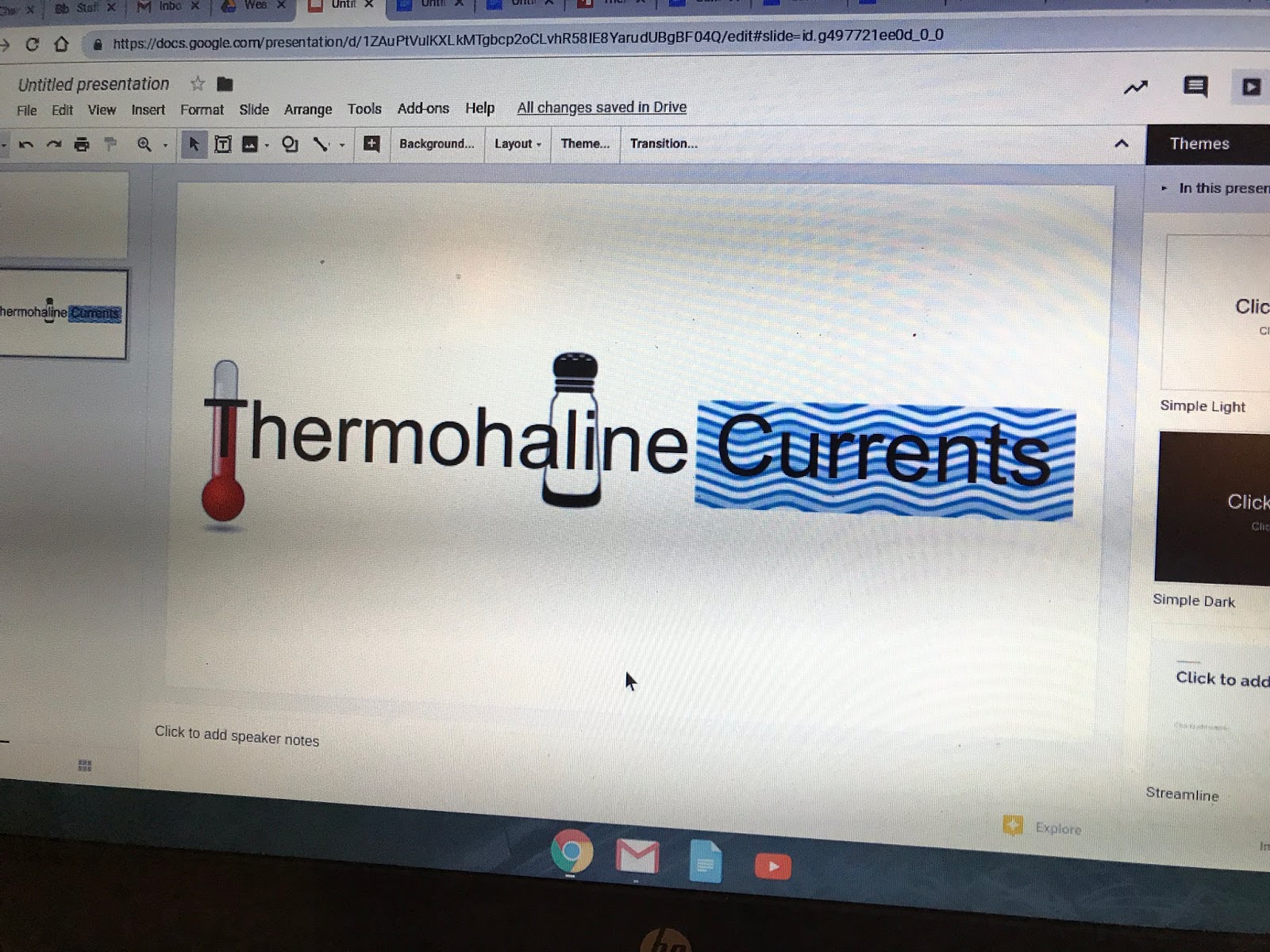
I was working with a teacher recently on creating illustrated text, to help students "see" what words meant.  We came up with this, for example:

The tool we used was Google Drawings.  While there are many tools available for graphics, Google Drawings is a great choice for combining images, text, shapes, and more.  It's also effective for making diagrams, such as flowcharts, where lines connecting shapes move along with their shapes.

Here's a graphic I made to demonstrate...
...and a screencast on how to use Google Drawings (showing how I made the image above).
 

Monday, December 3, 2018

Hour of Code Activities

It's day one of the Hour of Code!
There are many self-guided activities students can do in class (or at home).  I went through the choices at the Hour of Code website, and here are few that I'd recommend:

MapTour Make an app that has your own customized map.  Drag and drop interface. Any of the other activities from MIT would also be good.  Nice learning interface.

Blockly Solve games and puzzles using drag and drop code.


JavaScript Hero.  For students who want to get started writing code in Javascript without blocks.

The Dark Tunnel Work through a game using the Python programming language.

Need some inspiration? Here's what 9th grader Wolfie D did on his own last week for a summative in Nichols Core:


Wednesday, November 28, 2018

New CVSD Digital Learning Site


Have you checked out the new CVSD site for Digital Learning?  We've combined resources for various education tech tools and resources. There is also a page specific for CVU.  I will continue adding to that, but you can still search the blog in the meantime.

Tuesday, November 27, 2018

NPR Podcasting Challenge

National Public Radio is sponsoring a student podcasting challenge.  The contest opens on January 1st and goes through March.  If you've been thinking about a means of communication for students other than the written word and video, an audio podcast could be just the thing.
What might students create?

  • An end of unit summary of learning
  • An interview with a senior citizen about local history
  • An explanation of a scientific concept
  • A story about something at CVU
  • etc., etc.

One nice thing about doing audio podcasts is that they are not as involved as a typical video project.  The whole thing can be done on a Chromebook.  They also focus on sound-- voice, ambient sounds, music, etc., which allows students to be creative in a different way.

I would love to work with you and your students on this.  Who's interested?

Friday, November 23, 2018

Helpful site for Chromebooks and more

In my post-Thanksgiving web browsing, I came upon Schooled in Tech, a helpful site with lots of tips for using Chromebooks and Google tools.  Some of these I've shared myself previously, but this is a nice "go-to" spot for Chromebook use.

Learn how to use your Chromebook for video-conferencing, how to export your data, useful keyboard shortcuts, and more.  There are also tips on using Microsoft Office 365.